
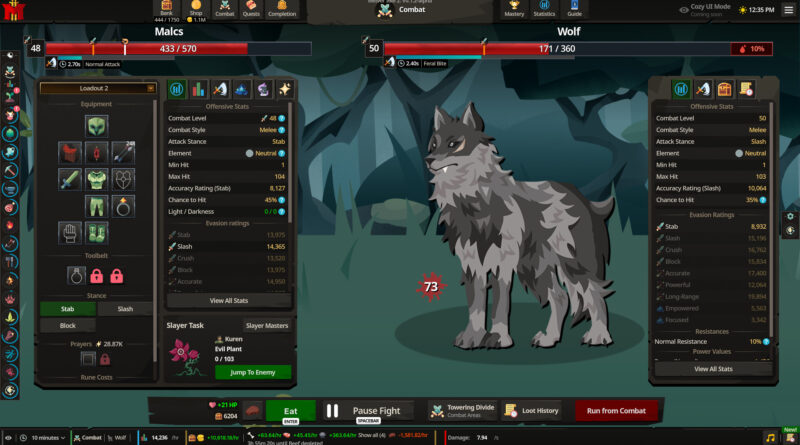
Melvor Idle 2 Saves Explained: Demo Progress, Melvor Cloud, Backups and the 2027 Mobile Release
Melvor Idle 2: A RuneScape Adventure is out in Steam Early Access, and the RuneScape-inspired idle RPG has quickly climbed into Steam’s most played list. Developed by Games by Malcs and published by Jagex, it launched on November 17, 2026 for $14.99. Because idle games are all about progress that keeps ticking for months, the most common questions right now are about Melvor Idle 2 saves: does your demo progress carry over, how do Melvor Cloud and offline play work, how do you back up your character, and will you be able to continue on your phone? This guide answers all of it, based on the developers’ official posts and the Early Access launch patch notes.
Melvor Idle 2 Saves: Does Your Demo Progress Carry Over?
Yes. If you played the Steam Next Fest demo, your character is waiting for you in the Early Access version, and you do not have to do anything to move it. The developers explain it like this:
- Melvor Cloud players: Your save carries over automatically.
- Offline players: If you chose to play without the cloud, your save still carries over, as long as you keep playing on the same device.
- Level cap: The demo capped every skill at level 60. Early Access raises the cap to 99, so a capped demo character can level up again right away.
- New skills: Astrology, Herblore and Agility were locked in the demo and are now part of the game, along with Act 2 of the main story.
One nice bonus for returning players: the launch patch doubled the GP rewards from Quests, and if you had already completed Quests in your save, the game grants you the difference when you load it. The patch also unsticks Quests that were stuck on an in-progress step even though all their tasks were done, again on save load.
Will Melvor Idle 2 Saves Be Wiped Before 1.0?
No. In the official FAQ on Steam, the developers confirm that saves will stay compatible all the way through to the full release. Before launch, they had already promised that there would be no save wipes and that even saves from the Patreon alpha would stay supported, just like in the first Melvor Idle. So you can start a serious character today without worrying that Early Access progress is temporary.
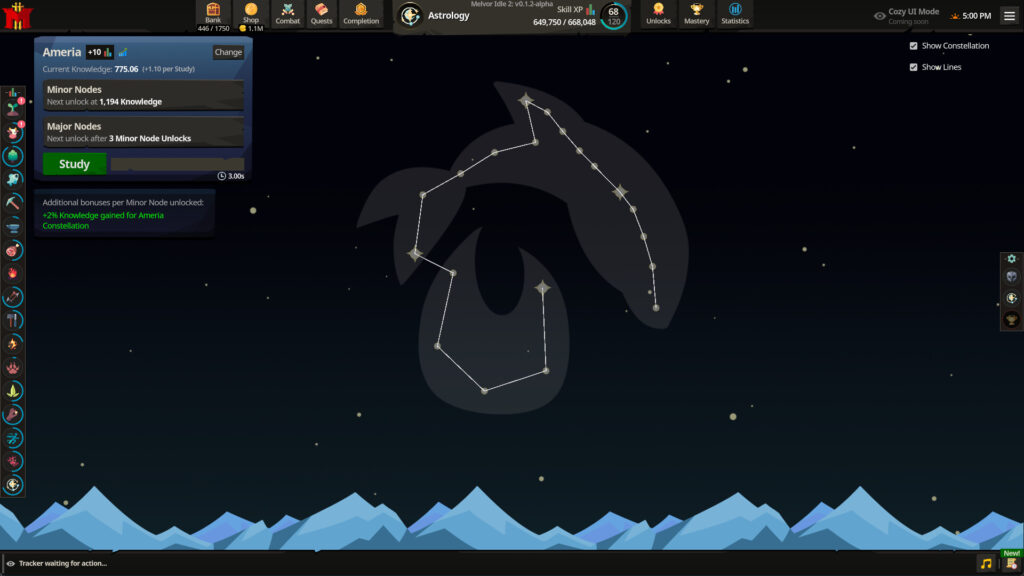
Astrology is one of the three skills that were locked in the demo and arrived with Early Access.
How to Back Up Your Melvor Idle 2 Save
Your saves are backed up to Steam Cloud automatically, and Melvor Cloud adds its own automatic cloud saving on top. Still, the developers recommend keeping a local copy as well. The game stores your whole character as a save string, a block of text you can copy and keep anywhere:
- From the character select screen: Click the gear icon next to your character and choose “Copy save string to clipboard”.
- From inside the game: The Early Access patch added a new menu in the top-right corner, next to your character name. It offers “Copy Save string to Clipboard”, “Rename Character” and “View character stats”.
- Store it safely: Paste the string into a text file and save it somewhere on your computer, ideally with the date in the file name so you know which backup is the newest.
A fresh backup is a good habit before big moments, for example before you test a new strategy or after a long grinding session.
Melvor Cloud vs Offline Play
Melvor Cloud is the game’s built-in cloud save system. It saves automatically, so you do not have to keep local copies, and it is the key to playing one character on several devices. Offline play works too, but then your save is tied to the device you play on, apart from the Steam Cloud backup. If you plan to switch to mobile later, Melvor Cloud is the option to choose.
Idle progress also behaves better on laptops now. The launch patch improved how the game handles system sleep, including on macOS, with catch-up after short sleeps.
Melvor Idle 2 Mobile Release: When Is It Coming?
The current release is Steam only, on Windows, macOS and Linux. According to the developers, mobile versions for Android and iOS will follow in 2027. There is no exact date yet. Melvor Cloud is what you will use to continue the same save on your phone once the mobile versions launch, so it pays to link your character to the cloud now. A web version is planned as well, also without a date.
More details should arrive soon. The developers promised an Early Access roadmap around one week after launch, with rough timings for the mobile release, new skills and version 1.0. Melvor Idle 2 is Jagex’s second big RuneScape-related project in the news this autumn, after the publisher confirmed that RuneScape 4 is in development.
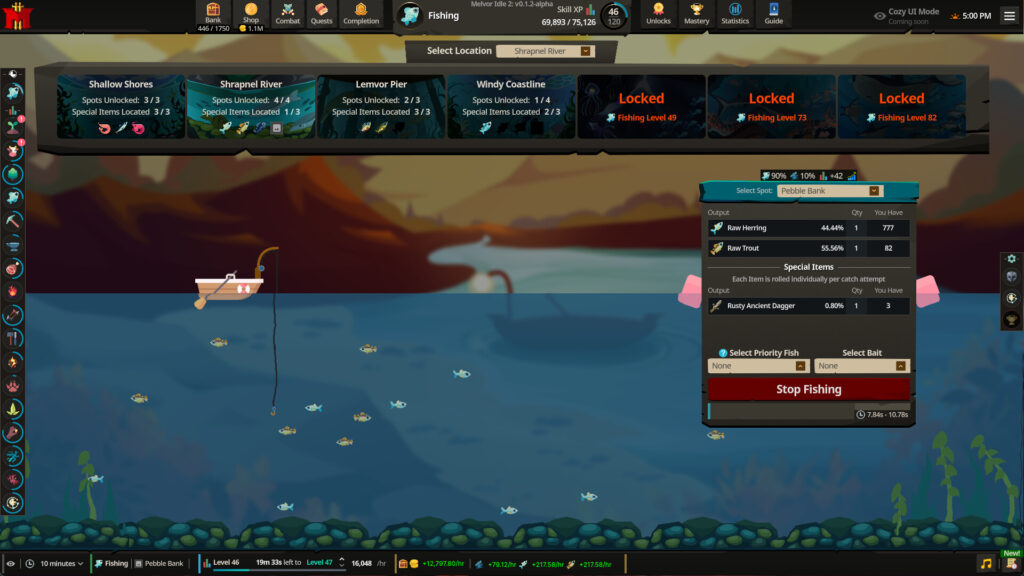
Fishing and the other skills keep running while you are away, so a safe save matters.
Achievements, Languages and Starting a New Character
- Steam achievements: Not in the game yet. They will be added closer to version 1.0, and they will take your existing progress into account, so nothing you do now is wasted.
- Languages: English only for now. Other languages are planned, but there is no confirmed release window.
- Skip Tutorial / Onboarding: When you create a second character, you can skip the onboarding with a toggle on the character creation screen, or later from the pause menu. Skipping unlocks all skills and pages without completing their tasks. The developers recommend this only if you already know the game, for example from your first character.
Melvor Idle 2 Crashing? Try the Renderer Setting
If the game crashed for you in the demo when you resized the window or switched between windowed and fullscreen, the Early Access build should help. On Steam for Windows, the default renderer changed from Vulkan to Direct3D 12 to fix exactly these crashes. When you launch through Steam, you now also get a launch option to run the game with Vulkan instead. Stick with the first, default option unless you run into a specific problem that Vulkan solves. Before you troubleshoot anything else, make a save string backup as described above.
Melvor Idle 2 Saves: Our Verdict
Melvor Idle 2 saves are in good hands: demo characters carry over automatically, the developers promise no wipes all the way to version 1.0, and Steam Cloud plus Melvor Cloud keep your progress backed up. Add a local save string backup now and then, and choose Melvor Cloud if you want to continue on Android or iOS when the mobile versions arrive in 2027. This guide reflects the Early Access launch build from November 17, 2026, and details may change with future updates and the upcoming roadmap.
Keep the adventure going! Check out more Gaming Guides on Gamersuniverse.
Picture Source: Games by Malcs / Jagex