

How to Find Buried Items in ARC Raiders: Dockmaster’s Detector, Mountaineer’s Detector and Every Map After Update 2.6.0
Treasure hunting in ARC Raiders is no longer a beach holiday. With Live Update 2.6.0, Embark Studios took the Beachcombing mechanic that used to be locked to Riven Tides and spread it across the whole Rust Belt, which means you can now find buried items in ARC Raiders on every map, as long as you bring the right detector. This guide explains how to find buried items in ARC Raiders after the update, which detector works where, how to get a Dockmaster’s Detector and a Mountaineer’s Detector, how to use them step by step and what can be waiting for you under the ground. It reflects ARC Raiders as of Live Update 2.6.0 (November 17, 2026).
What Changed for Buried Items in ARC Raiders Update 2.6.0
Buried loot first arrived with the Riven Tides update (patch 1.26.0) on April 28, 2026. Back then, Beachcombing was a minor map condition exclusive to Riven Tides, and it only rolled around from time to time. According to the official Live Update 2.6.0 patch notes, Embark has now removed Beachcombing as a map condition and expanded the mechanic to all maps instead:
- Dockmaster’s Detector: finds buried items on all maps except Pendola Pass.
- Mountaineer’s Detector: still required to find buried items on Pendola Pass.
In practice, this means you no longer need to wait for the right map condition on Riven Tides. You can pack a detector for any raid and dig whenever it fits your route. The same update also brought Cold Snap back into the Major Map Condition rotation, and Embark says a new project is arriving the week after the patch.
Dockmaster’s Detector vs Mountaineer’s Detector
Both detectors are Quick Use gadgets, and both work the same way in a raid. The difference is where they work and how rare they are:
- Dockmaster’s Detector: added with Riven Tides in April 2026. Since 2.6.0 it covers every map apart from Pendola Pass. The community-run ARC Raiders Wiki lists a weight of 1.0 and a sell value of 1,000 Coins.
- Mountaineer’s Detector: added with the Frozen Trail 2.0 update in October 2026 for the snowy Pendola Pass. It’s a Rare gadget with a weight of 1.0 and a sell value of 2,000 Coins according to the wiki, and its in-game description notes that it works just as well on sand as it does in snow.
If you only plan to dig on Pendola Pass, you need the Mountaineer’s Detector. For every other map, the cheaper and easier to find Dockmaster’s Detector does the job.
How to Get the Dockmaster’s Detector
There are three ways to get a Dockmaster’s Detector right now:
- Buy it from Apollo: according to the ARC Raiders Wiki, the trader Apollo sells the Dockmaster’s Detector for 1,920 Coins, with a limited stock of 2 that refreshes over time. This is the most reliable option.
- Shoring Up Defenses quest: Apollo’s Riven Tides quest hands you a Dockmaster’s Detector when you take it on. The objectives ask you to destroy 5 Wasps and 3 Fireflies, use 1 ARC Alloy to reinforce the Raider structure on top of any Stacking Yard crane and board up shuttered windows in the hotel. Completing it rewards 3 Barricade Kits, 3 Lure Grenade Traps and 6 Seeker Grenades.
- Scavenging: detectors can also turn up as loot Topside, and you can always take one off a Raider who brought theirs.
Older guides also mention the Avian Alarm project, which gave out a Dockmaster’s Detector in its first stage. That was a temporary project that ran from late April to late May 2026, so it’s no longer an option. Keep in mind that Riven Tides itself, where the Shoring Up Defenses quest takes place, unlocks after 20 raids according to the wiki.
How to Get the Mountaineer’s Detector
The Mountaineer’s Detector is harder to come by. The ARC Raiders Wiki lists no quest or trader for it at the moment, so scavenging is your only source. Pendola Pass unlocks after 25 rounds according to the wiki. If you do find a Mountaineer’s Detector, hold on to it, since it’s the only tool that can find buried items on Pendola Pass.
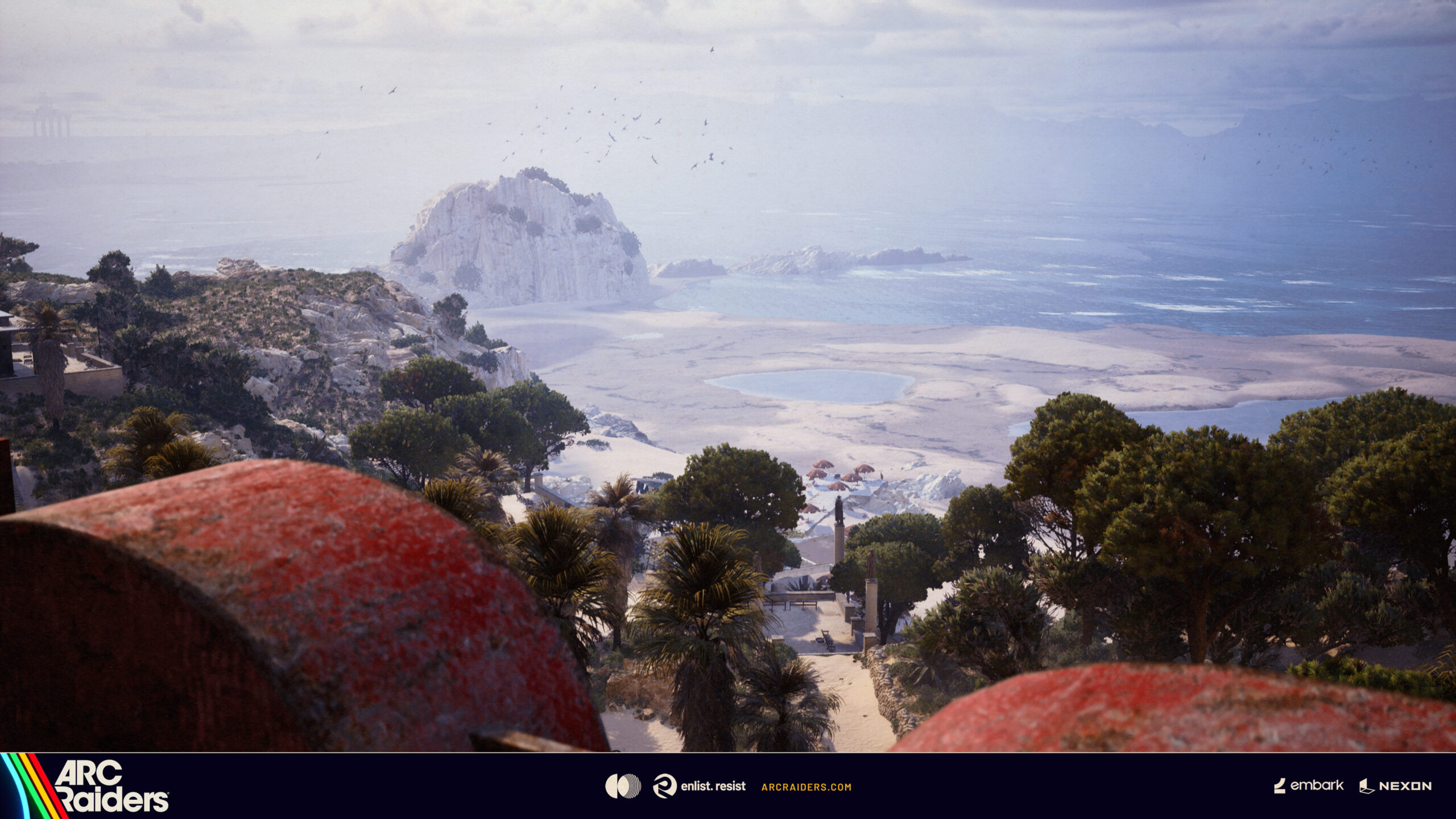
Beachcombing started on the coast of Riven Tides. Since Update 2.6.0, buried items can be found on every map.
How to Find Buried Items in ARC Raiders Step by Step
Once you have the right detector, finding buried items in ARC Raiders works the same way on every map:
- Equip the detector: put it in a Quick Use slot in your loadout before you deploy, just like a grenade or a healing item.
- Activate it in an open area: pull out the detector and hold the button to use it. Your movement slows to a walk while it’s active.
- Listen to the beeps: the detector beeps faster the closer you get to a buried object. If it stays quiet, nothing is nearby, so keep moving.
- Follow the light: based on PC Gamer’s hands-on testing, the light flashes orange when something is in range, turns green when you’re very close and holds a steady green once you stand right on top of the spot.
- Dig: when you’re directly above the item, a prompt to dig appears. Interact to dig it up.
The detector runs on an energy meter that is shown on screen and recharges once you stop using it. According to the wiki, each activation costs a small chunk of energy right away, so sweeping in longer runs is more efficient than tapping it on and off. Carrying more than one detector doesn’t help either, because all detectors on your Raider share the same energy meter.
What Can You Dig Up?
Not every dig spot is a jackpot. During the Beachcombing condition on Riven Tides, the ARC Raiders Wiki lists the following finds:
- Weapon Cases
- Suitcases with Basic Materials or Ship Models
- Fruit and Fertilizer
- ARC Ticks that jump out and latch onto you
- Landmines: stay still and hold the interact key to disarm them. Moving away sets them off.
Embark’s 2.6.0 patch notes don’t break down what buried items look like on each of the other maps, so treat this list as a guide rather than a guarantee outside Riven Tides. The safest assumption is that every dig can be either loot or a trap.
Tips for Treasure Hunting in ARC Raiders
- Check your map first: bring the Dockmaster’s Detector everywhere except Pendola Pass, and only use the Mountaineer’s Detector there.
- Search open ground: when Embark introduced Beachcombing, it hinted that the richest hunting grounds are out in the open. On Riven Tides, buried loot was concentrated on the north side of the map, around the dried-up Seabed.
- Watch your back: you walk slowly while detecting and the beeping is easy to spot, so you’re an easy target. Clear the area or let a squadmate keep watch.
- Be ready for Ticks: keep a weapon or melee ready before you dig, because a Tick can be waiting for you instead of a Weapon Case.
- Don’t panic on a landmine: stand still and hold interact. Running away is exactly what sets it off.
- Keep your detector repaired: according to the wiki, 3 Batteries restore 50 durability on a Dockmaster’s Detector.
Final Thoughts
Update 2.6.0 turns treasure hunting into something you can do on any raid. Buy a Dockmaster’s Detector from Apollo or grab one through Shoring Up Defenses, slot it into your Quick Use bar, follow the beeps and the light and dig carefully. Save the rarer Mountaineer’s Detector for Pendola Pass. For more ARC Raiders help, check out our guides on how to get the Grappling Hook and how to unlock the Outpost in ARC Raiders.
Keep the adventure going! Check out more Gaming Guides on Gamersuniverse.
Picture Source: Embark Studios (Steam)




A single glitch caused some zones to yield nothing despite the tools provided. Whispering Island