
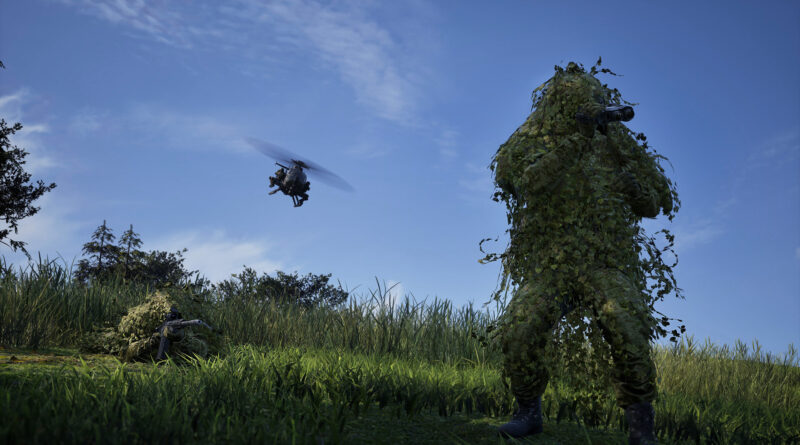
WARDOGS Tower Codes Explained: How to Capture Towers and Move the Hot Zone
Every WARDOGS match eventually turns into a fight over towers, and most new players have no idea why. WARDOGS tower codes are the key: capture the towers, put their digits together, and your faction can drag the Hot Zone right onto your position. This guide explains how towers work in WARDOGS, how to capture them, where to find each digit of the code, how to enter it, and what to do once the Hot Zone starts moving your way.
Why Towers Matter: Control Zone and Hot Zone Basics
Up to 100 players in three teams fight over a randomized 2×2 km Control Zone on a huge map. At regular intervals, the faction with the most players inside the zone scores a point, and the first team to reach 100 points wins. Inside the Control Zone, a smaller Hot Zone keeps drifting around. According to Team17, chasing it earns you double the cash. On top of that, each player standing inside the Hot Zone counts as two for zone control.
That is exactly where towers come in. Normally, nobody decides where the Hot Zone goes. Towers are the tool that lets your faction pull it toward a position you already hold, which means double presence and double cash on your own terms.
How to Capture a Tower in WARDOGS
Only towers inside the current Control Zone work as objectives, so ignore towers elsewhere on the map when you’re hunting for code digits. Here’s how a capture works:
- Check the cooldown first. Towers start every match locked and go on a short cooldown every time they change hands. Hover over the tower icon on the map or look at the console inside to see the remaining time.
- Clear the building. Enemies inside can stop or contest your capture, so make sure nobody is still hiding on any floor.
- Head one floor up. The operations room sits one floor above the entrance. That is where you’ll find the main console and the keypad next to it.
- Hold the interact key at the console. Hold interact (F by default) until the bar fills. The tower then switches to your faction’s color on the map.
Capturing a tower is a press-and-hold action at the console, not a circle you stand in. That makes a small squad ideal: one player works the console while the others watch the stairs, doors and approach roads.
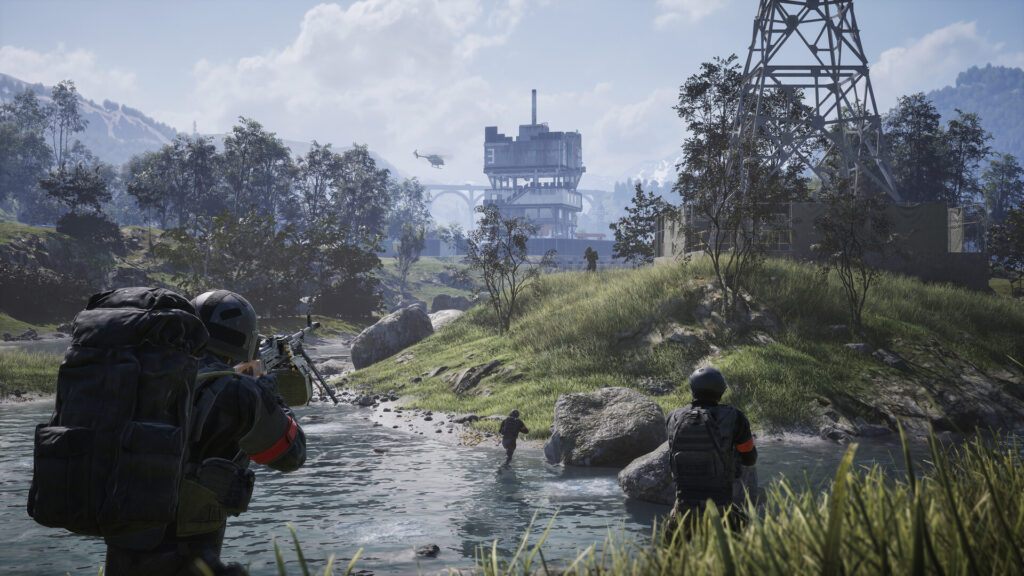
Towers are easy to spot from a distance, so expect company on the way in and clear every floor before you start the capture.
WARDOGS Tower Codes: How to Get Every Digit
Each captured tower gives your faction one digit of a code. The console shows the digit together with its position in the sequence, so you always know where it belongs. A few rules to keep in mind:
- The code changes every match. Digits from your last game are useless, so there is no universal code to look up.
- One tower, one digit. The length of the code depends on how many towers are active in the match. Depending on the map, that usually means somewhere between two and five digits.
- Few towers, hidden digits. On layouts with only three or fewer towers, the console may show a symbol instead of the number until your faction owns all of them, which stops teams from simply brute-forcing a short code.
- Losing a tower hurts. If an enemy faction retakes one of your towers before you enter the code, it can block your faction from activating the magnet until you take it back.
- Share digits right away. Post every number and its position in voice or text chat the moment you capture a tower.
How to Enter the Code and Activate the Hot Zone Magnet
You need the complete sequence, which in practice means your faction has to capture every tower in the Control Zone. Then go to a tower your faction currently holds and enter the code on the keypad next to the main console. A correct code activates the Hot Zone Magnet: the Hot Zone starts sliding toward the tower you entered it from, and white dashed lines on the map show which tower is pulling it.
- Don’t spam guesses. You only get a few attempts (three at the time of writing). After that, the keypad locks and goes on cooldown.
- The zone slides, it doesn’t teleport. Both rival factions can see it coming and will almost certainly head your way.
- The effect is temporary. The Hot Zone stays on the tower for a limited time before it returns to its normal behavior, so make that window count.
- Capturing alone does nothing for the zone. Towers don’t score points by themselves and don’t move the Hot Zone until the correct code is entered.
The Alternative: Using a Drill at Your FOB
Towers aren’t the only way to move the Hot Zone. If your faction owns a FOB, you can build a drill there and supply it with fuel. Once it has enough fuel, it can be activated and pulls the Hot Zone toward your base as well. The more fuel you load, up to the maximum of 6000, the longer it runs, and if the FOB is destroyed or runs dry, the pull stops. That makes logistics players delivering fuel just as valuable as the squad fighting for towers.
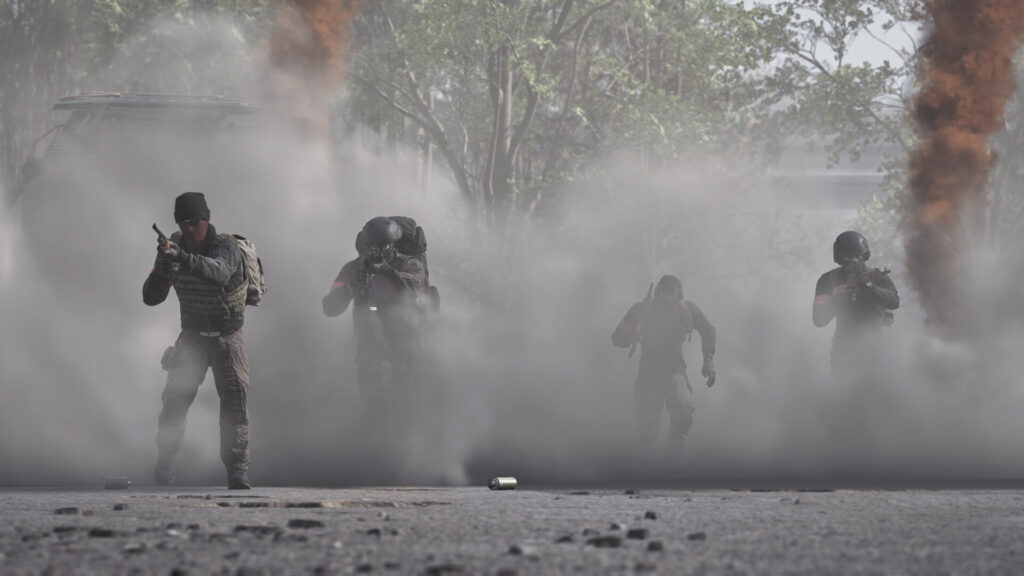
As soon as the Hot Zone starts moving, expect both rival factions to push your position.
Best Tips for Winning Tower Fights
- Fortify before you activate. Enter the code at a tower where your team already has a FOB, supplies and defenses, because that’s where the fight will happen.
- Don’t leave after a capture. Enemies can retake a tower the same way you took it. Leave at least a few players behind.
- Use the tower itself. Towers have armored areas that let you fire on attackers with less exposure, which makes them great observation posts.
- Split the work. Send small squads to different towers at the same time instead of moving the whole faction from tower to tower.
- Watch the map. The map shows which faction holds each tower, so you can see when a rival team is close to completing its own code and disrupt it.
WARDOGS Tower Codes: Our Verdict
Towers are what turn WARDOGS from a chaotic headcount battle into a real tactical fight. Capture the towers in the Control Zone, collect and share every digit, enter the code at a fortified tower and get ready for the counterattack. Do that consistently, and your faction will spend far more time in the Hot Zone than the other two. For more on the game’s turbulent launch, read our report on how WARDOGS sold a million copies on day one. This guide reflects WARDOGS Early Access Season 1 as of Update 0.1.2 and the October 2 hotfixes (October 2026). Since the game is still in Early Access and Season 2 is scheduled to start on October 15, tower rules and timers may change with future updates.
Keep the adventure going! Check out more Gaming Guides on Gamersuniverse.
Picture Source: Bulkhead / Team17