Crimson Desert Charting the Unknown Not Working? How to Fix Missing DLC Quests, Crashes and Save Problems
Crimson Desert’s first big expansion, Charting the Unknown, launched on October 29, 2026, and brought ships, diving, housing, marriage and new story quests to Pywel. It also brought a wave of questions from players whose new content simply won’t show up, whose quests are stuck, or whose game crashes on launch. If Charting the Unknown is not working for you, this guide walks you through every fix that Pearl Abyss has confirmed so far: what you need to unlock each part of the DLC, which bugs the hotfixes have already solved, which known issues are still open, and how the DLC affects your save files and cross-save.
Step 1: Make Sure the Base Game and the DLC Are Both Updated
Charting the Unknown is not just a download on its own. It arrived together with a large base game patch, version 2.04.00, and Pearl Abyss asks every player to install the latest game version before starting the DLC. This is the most common reason why Charting the Unknown is not working: if the base game and the DLC are on different versions, the game may crash, and Pearl Abyss lists exactly that on its official Known Issues page. The fix is to update both to the latest version.
- Check for pending updates: Several hotfixes followed the launch. Versions 2.04.02 (October 30), 2.04.03 (October 31) and 2.04.04 plus 2.04.05 (both November 1) are out on Steam, PlayStation and the Epic Games Store. On Xbox, Pearl Abyss listed 2.04.04 and 2.04.05 as still in progress when they were announced, so Xbox players may get them a little later.
- Don’t trust the version number alone: After the first launch-day hotfix, the game still displayed version 2.04.00 even though the fixes were installed. Pearl Abyss confirmed this is only a display quirk.
- Mac players need a full download: On Steam (Mac) and the Mac App Store, patch 2.04.00 requires a one-time download of the full game package. The Mac App Store version of each patch also tends to arrive later than on other platforms.
- Buying the DLC in game: You can purchase and download Charting the Unknown from the “Buy DLC” menu on the title screen.
- Trial players: The 5-hour free trial of Crimson Desert Enhanced for PlayStation Plus Premium and Deluxe subscribers and for Xbox players covers only the base game. Charting the Unknown is not part of it.
Crimson Desert DLC Not Showing Up? Check These Unlock Requirements
Many players think the DLC is broken when the new content is simply still locked. Charting the Unknown does not open everything at once. According to the official patch notes, these are the requirements for the biggest new features:
- New character quests: One new personal quest each for Kliff, Oongka and Damiane. They appear in your Journal after you complete “Journey’s End” from the main story.
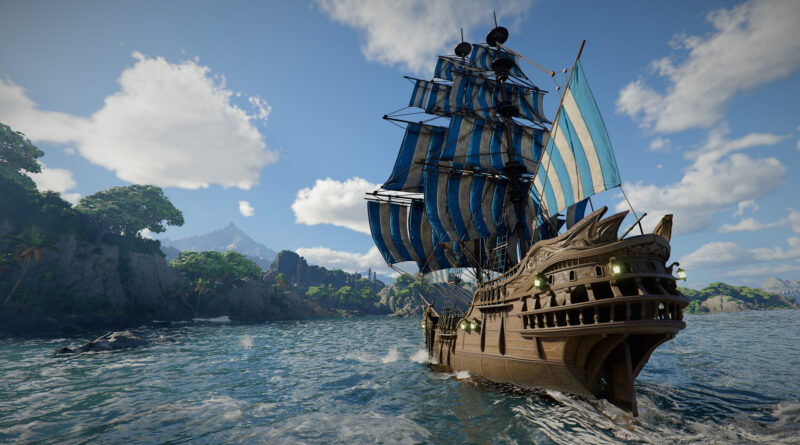
- Ocean content and ships: The new quest “A Wider World” starts after you complete “Howling Hill” from the main story and expand your Greymane camp above a certain level. Pearl Abyss has not published the exact camp level. Ships can be built through a dispatch mission or bought from fleetmasters across Pywel.
- Upgraded housing: Complete “Luke’s Request”, one of the Greymane faction quests under “Grounds of the Sunrise”, and set up the camp in Howling Hill. Free construction is then found under Home Decoration, Layout, Free Construction.
- Garden of Trials: Unlocks after “Journey’s End” and is located near the Axiom Archive Abyss.
- Pioneering the new islands: Since hotfix 2.04.02, entering an area that can be pioneered shows a notification in the menu on the right, and you can start the mission directly from there.
- Marriage: Select Interact, then Flirt, to raise an additional level of Trust with an NPC. Once it reaches 100, you can propose. Flirt-related Trust can only be raised once per day for each type of interaction, and some NPCs need special conditions.
In other words: if you have not finished the main story yet, large parts of Charting the Unknown will stay hidden. That is intended, not a bug.
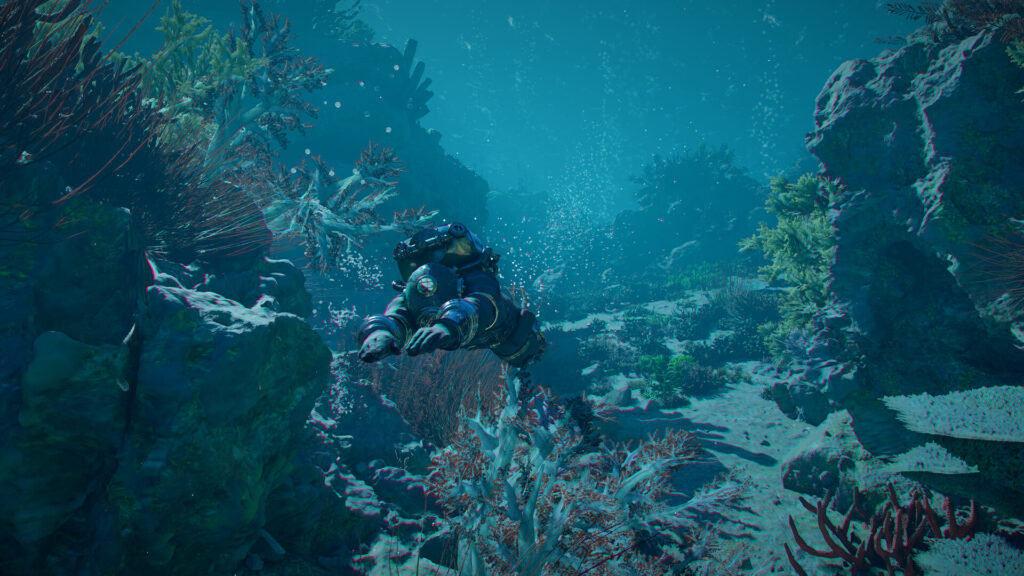
Diving and the ocean only open up once “A Wider World” has started.
Stuck Quests and Crashes Already Fixed by the Hotfixes
If a quest would not progress during launch week, there is a good chance it has been fixed in the meantime. Update the game first, then load your save again. These are the most important fixes so far:
- Damiane’s quest “End and Beginning”: Could not be progressed if “Journey’s End” was completed within a certain timeframe. Fixed in 2.04.05.
- Kliff’s quest “Beyond the Margins”: Could not be progressed without owning a fishing rod. Fixed in 2.04.05.
- Proposals to certain witches: These proposal quests could not be progressed. Fixed in 2.04.05.
- Crash against Ravok of the Savage Fangs: The game could crash during this boss fight. Fixed in 2.04.05.
- Pioneering missions: Certain pioneering missions could not be completed under some conditions. Fixed in 2.04.03.
- “Footsteps in Unfamiliar Lands”: The mission can now be started from its starting location, added in the first launch-day hotfix.
- Spouse gifts and farm animals: Spouses not giving gifts after marriage was fixed in 2.04.03, and livestock registered at the farm disappearing was fixed in 2.04.04.
- Duplicated key items: Key item equipment could be unequipped and duplicated after equipping it on a Greymane comrade and reloading. Fixed in 2.04.04.
Known Issues That Still Need a Workaround
Not everything is solved yet. Pearl Abyss keeps an official Known Issues list, last updated on November 1, 2026. These are the entries that matter most for the DLC, together with the workarounds the developer recommends:
- Game returns to the title screen when gifting: This can happen if you give multiple items to an NPC at once. Until it is fixed, giving items one at a time is the safer choice.
- AMD crash in Pailune: With AMD driver version 26.10.1, the game crashes in Pailune when the Cinematic option is enabled. Pearl Abyss recommends installing driver version 26.9.1 or earlier from the AMD website until this is resolved.
- Greymane faction quests won’t progress: These quests cannot be progressed while playing as Damiane or Oongka, so switch back to Kliff for them.
- NPC, mount or object interactions unavailable: Restarting the game temporarily fixes this.
- Wrong trade goods quantity: Packaged trade goods bought from the merchant on Samora island can end up with the wrong quantity when moved from a ship to a wagon. Moving them one at a time avoids the problem.
- FSR4 in the rain: With FSR4 upscaling, rain can disappear or the image can become blurry or distorted in rainy areas. Switching to a different upscaler is a sensible workaround until a fix arrives.
- Twitch Drops: Rewards can’t currently be claimed from the Drops and Rewards menu. Click Claim in the stream chat instead, then link your Twitch account on the Drops event page.
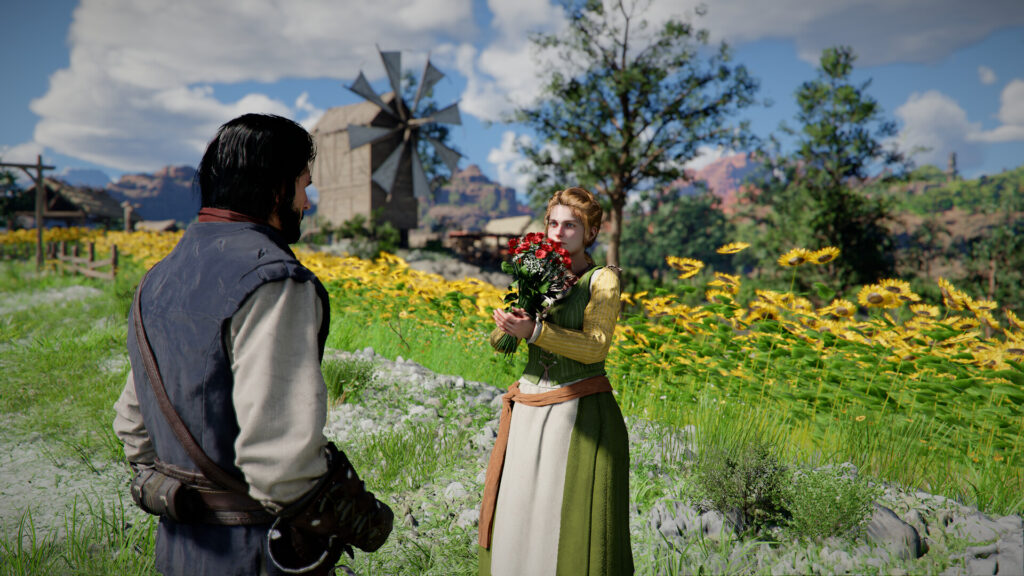
Charting the Unknown adds Chat, Gift and Flirt to NPC interactions, which is also where several launch bugs appeared.
Save Files and Cross-Save: The Charting the Unknown Catch
This is the part that can really hurt. Pearl Abyss states in the 2.04.00 patch notes that save files created while the DLC is installed cannot be loaded, or used for cross-save, in a game version that does not include the DLC. If you play on more than one platform, keep that in mind before you continue on a system where you don’t own Charting the Unknown.
Cross-save itself has been part of Crimson Desert since patch 1.14.00 on July 16, 2026, and works on PlayStation, Xbox, Steam and the Epic Games Store. This is how you set it up, according to Pearl Abyss’s official Cross Save Guide:
- Open the Save Game menu.
- Select the Cross-Save Settings button in the bottom-right corner of the screen.
- Follow the link shown on screen or scan the QR code to open the Cross-Save page.
- Log in there and connect the platform accounts you want to use.
- Check that your linked platforms are listed once the connection is complete.
- Return to the game and select Refresh.
- The Cross-Save slot now appears in the bottom-right corner of the Save Game menu.
- Select the Cross-Save slot to upload your save, then continue with it on your other connected platforms.
You can find the account linking page and its FAQ on the official Crimson Desert Cross-Save page. Our tip: before uploading a save made with the DLC, make sure every platform you want to continue on has Charting the Unknown installed and is fully updated.
Charting the Unknown Not Working: Quick Checklist
- Update the base game and the DLC to the latest version, and restart the game.
- Finish “Journey’s End” for the character quests and the Garden of Trials, and “Howling Hill” plus the camp expansion for the ocean content.
- Reload your save after each hotfix if a quest was stuck before.
- On AMD cards, avoid driver 26.10.1 or turn off the Cinematic option for Pailune.
- Play Greymane faction quests as Kliff, and give gifts one item at a time.
- Only move DLC saves to platforms that also have Charting the Unknown.
Our Verdict
Most cases of Charting the Unknown not working come down to three things: an outdated base game, content that is still locked behind the main story, or one of the launch bugs Pearl Abyss has been patching almost daily. Keep your game updated, check the unlock requirements above and be careful with DLC saves on cross-save, and Pywel’s new seas should open up for you. Crimson Desert is also in the running at this year’s Golden Joystick Awards, as our Golden Joystick Awards 2026 shortlist shows. This guide reflects Crimson Desert version 2.04.05 and the official Known Issues list as of November 1, 2026, and details may change with future patches.
Keep the adventure going! Check out more Gaming Guides on Gamersuniverse.
Picture Source: Pearl Abyss