
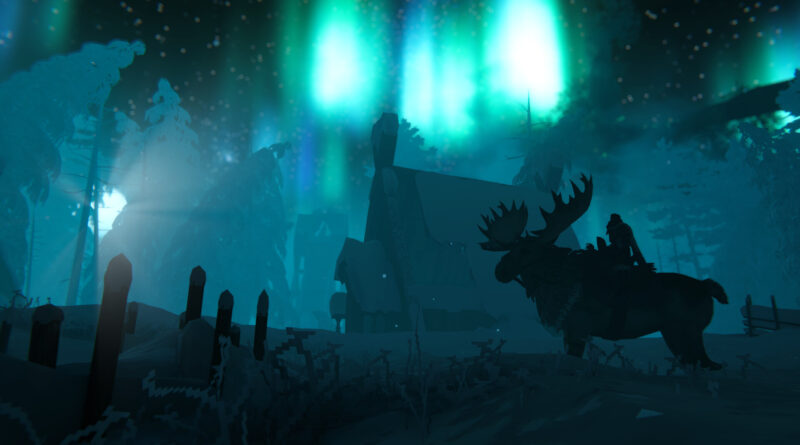
Valheim 1.0: Do You Need a New World for the Deep North? Old Saves and Achievements Explained
Valheim 1.0 is finally out, and thousands of returning Vikings are asking the same question before they even boot up: Valheim 1.0 new world or old save? The Deep North, the game’s final biome, sits at the very top of the map, and whether it shows up in your existing world depends on where you (and your friends) have already been. This guide explains how Valheim generates new content in old worlds, how to check if your save can still get the Deep North, what happens to achievements, and how to start fresh without losing your character.
Valheim 1.0 New World or Old Save: The Quick Answer
You don’t strictly need a new world. According to Iron Gate’s official Valheim 1.0 FAQ, worlds created before the update still receive new content, and your old saves stay exactly where you left them. The catch: new biome generation only works properly in areas that have not been explored yet. Iron Gate itself recommends starting over for the best experience.
- Keep your old world if nobody on it has ever been to the far northern edge of the map.
- Start a new world if you or your group already explored the old northern snow area, or if you want every 1.0 achievement from the beginning.
- Do both: bring your existing character into a fresh world and keep the old one as a base to visit.
Why Old Worlds Might Not Get the Deep North
Valheim builds its world piece by piece. A zone’s terrain is only generated and saved permanently the first time a player gets close enough to load it. After that, the game never generates it again, not even after a major update. That is why the Deep North works fine in an old world as long as the far north is still untouched, but stays the old, empty placeholder area wherever someone already loaded it during Early Access.
This isn’t new. Iron Gate used the exact same rule for the Ashlands update, when it also said new content would only generate properly in previously unexplored areas and strongly recommended a new world. Since the Deep North is located at the extreme northern edge of every world, most players who never sailed that far are in good shape.
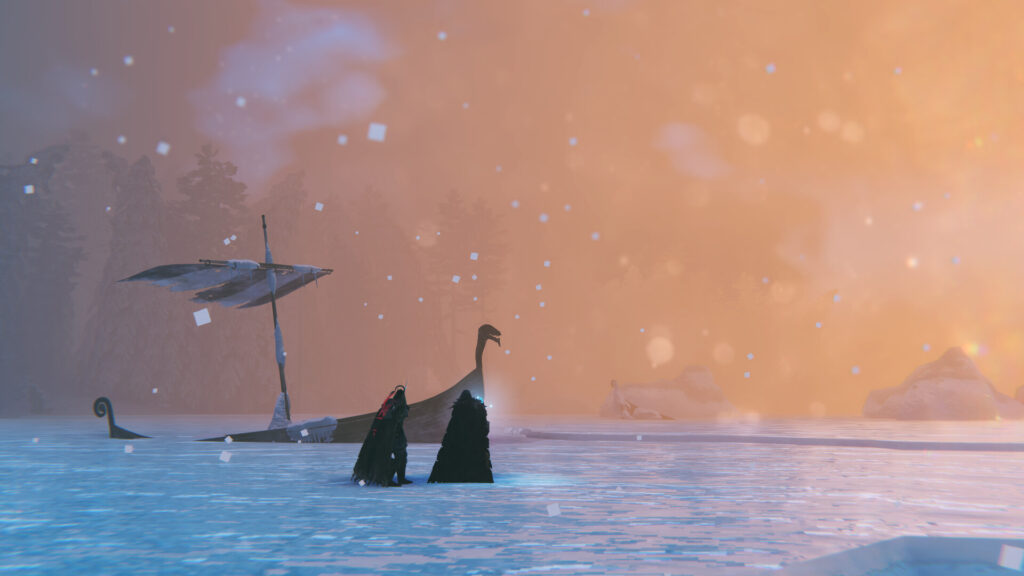
The Deep North waits at the far northern edge of every world, but in old saves it only appears where nobody has loaded the area yet.
How to Check If Your Old World Can Still Get the Deep North
- Open your map and look at the northern edge. If the far north is still covered in fog, chances are good the Deep North will generate there when you arrive.
- Ask everyone who has played on the world. Your map exploration is saved on your character, not on the world. If a friend sailed north on the same world or server, those zones may already be generated even though your own map shows fog.
- Remember that you load more than you see. The game can generate terrain around you beyond what is revealed on your map, so sailing along the edge of a region may lock in more area than you’d expect.
- When in doubt, sail up and look. If you find a finished biome with new enemies and locations, you’re fine. If you only find the old, empty placeholder landscape, that part of your world has missed the update.
Valheim 1.0 Achievements on Old Saves
Valheim 1.0 adds achievements, and this is the second big reason many players start over. Per the official FAQ, achievement progress only starts tracking once you’ve installed 1.0. Anything you did before, like defeating bosses, has to be done again to unlock the matching achievement. Keep these rules in mind:
- Cheats lock you out permanently. Most dev commands, such as “spawn”, place a flag on your current character and world, which can never earn achievements again. A few commands, for example “freefly”, are exceptions.
- Old cheated characters count too. Characters that used cheats before 1.0 are also marked.
- Watch out for cheated items. Spawned items are visibly marked. If a clean character picks one up, it enters a temporary cheat state until all cheated items are thrown away.
- Some world modifiers block achievements. Hammer mode, for example, counts as a temporary cheat and blocks certain achievements.
How to Start a New World Without Losing Your Character
Characters and worlds are stored separately in Valheim, so a fresh world doesn’t mean losing your skills or the gear in your inventory. Iron Gate even suggested this approach for the Ashlands update. Simply select your existing character, then click to create a new world on the world selection screen. Your old world stays on your list, and you can return to it at any time.
Want a bigger challenge? World modifiers and presets let you change things like combat difficulty or resource rates when creating the world. Just check which modifiers affect achievements before you commit. And if you want to replay a specific map you liked, entering the same seed generates the same world layout.
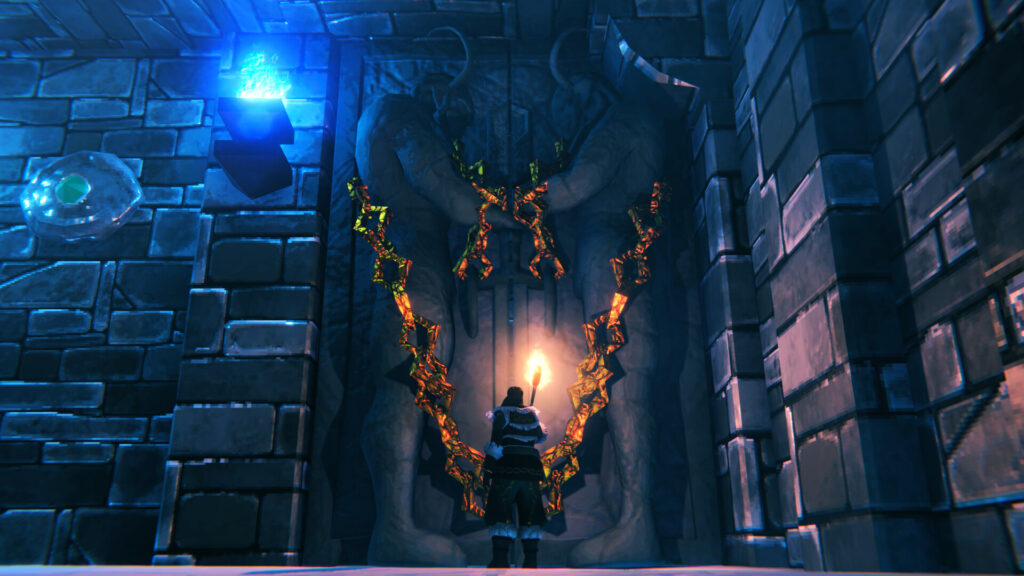
Valheim 1.0 adds new dungeons and locations, so a fresh world is the safest way to see all of them.
Back Up Your World Before Playing
Whatever you decide, make a backup first. On the world selection screen, the “Manage saves” option shows your worlds and their backups and lets you restore older versions. On Windows, you can also copy your world files manually from %USERPROFILE%AppDataLocalLowIronGateValheimworlds_local, while characters live in the neighboring characters_local folder. This is especially worth doing right now: patch 1.0.17 on October 6 fixed a rare bug that could delete objects in parts of the world while saving.
What About Mods to Regenerate the Deep North?
On PC, the community mod Upgrade World can regenerate zones in existing worlds, including a dedicated operation for the Deep North, and it has received updates for the latest game version. It is unofficial, though. Iron Gate has no official mod support and doesn’t guarantee that mods work with 1.0, and mods aren’t available on consoles at all. Since Valheim 1.0 supports crossplay across all platforms, a modded PC setup can also cause problems if your group includes console players. Always back up your world before trying it, and check that you’re using the latest version.
Should You Start a New World in Valheim 1.0? Our Verdict
If your group never made it to the northern edge of the map and you don’t care about achievements, keep playing your old world and sail north once you’ve conquered the Ashlands. In every other case, a Valheim 1.0 new world is the better choice: you’ll get the finished Deep North, all new locations and a clean start for achievements, while your character, skills and inventory come with you. For everything the update adds, read our Valheim 1.0 and Deep North launch coverage. This guide reflects Valheim 1.0 as of patch 1.0.17 (October 2026), and details may change with future updates.
Keep the adventure going! Check out more Gaming Guides on Gamersuniverse.
Picture Source: Iron Gate Studio



Pingback: How to Fish Max Players and Multiplayer Guide: Lobbies, Saves and Difficulty Explained - Gamersuniverse