
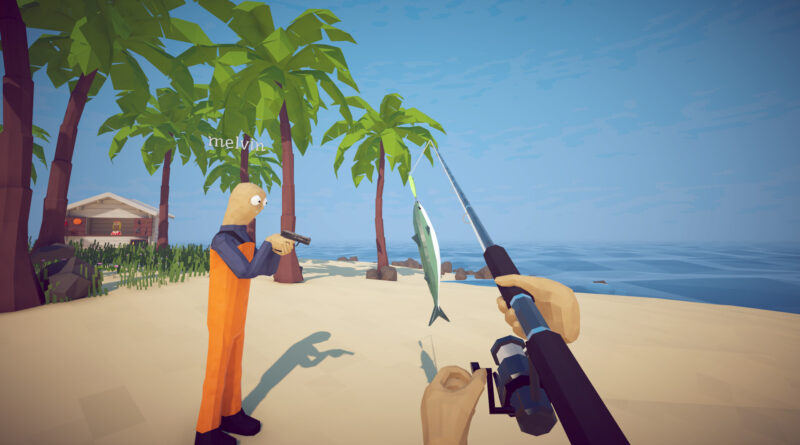
How to Fish Max Players and Multiplayer Guide: Lobbies, Saves and Difficulty Explained
How to Fish became one of the surprise hits of 2026 because it is at its best with friends: a group of stranded fishermen, a pile of physics objects and far too many explosives. But the Steam page still says “1-4 players”, which is why so many people search for How to Fish max players before they invite their whole Discord. This How to Fish multiplayer guide explains how many players a lobby really holds, how hosting and private lobbies work, what happens to your save, which difficulty to pick for a group and a few tips that keep your crew alive.
How to Fish Max Players: 4 or 8?
The short answer: up to 8 players. How to Fish launched on Steam on August 20, 2026 as a 1-4 player physics-based fishing simulator, and the store description still uses that number. Just one day later, developer Dazed Games added support for lobbies of up to 8 players with Patch 1.0.4. You can also play completely solo, since single-player is officially supported.
Keep in mind that the game is built around a smaller crew. In the patch notes, the developers say the game is still intended for up to 4 players, even though lobbies now support 8. More players means more chaos, more friendly mishaps and more items flying around the island, which is exactly what some groups want.
How to Play How to Fish Multiplayer With Friends
How to Fish multiplayer runs through Steam. One player hosts the session and the others join that host’s world.
- Host a session. The host starts a new game or loads an existing save and picks the session type.
- Choose public or private. Since Patch 1.0.5, you can host a private lobby that can only be joined through an invite. Use it whenever you only want friends in your game.
- Invite your friends through Steam. Once you are in the game, send invites through Steam. If the friends list doesn’t show up, check that the Steam Overlay is enabled.
- Accept and join. Your friends accept the Steam invite and load into the host’s island.
Changed your mind about who can join? The session type can be switched in the server settings while you are in-game, but the change only takes effect after a restart. If joining fails, the main menu shows a short Steam connection check: when the Steam relay text turns red, the developers point players to the common-bugs channel in the official community Discord for fixes.
Saves, Steam Cloud and Your Progress
A co-op session runs on whichever save the host starts or loads, so the simplest way to continue the same run next time is to have the same player host again. Here is how saving works after the latest patches:
- Manual saves: The game saves when you press the Save, Main Menu or Quit button.
- Autosave: On top of that, the game autosaves every minute, so a crash won’t cost you much progress.
- Backups: Since Patch 1.0.11, save files are checked for corruption before loading and get backups.
- Steam Cloud: Since Patch 1.0.12, saves are stored through Steam Cloud. To upload an older save, start and exit How to Fish once on the PC where that save is stored.
- Dropped items: Items left on the ground are saved between sessions, up to 64 items in total. Weapons, tools, quest items and creatures get priority, so don’t treat the beach as unlimited storage.
Which Difficulty Should Your Group Pick?
Patch 1.0.9 added Easy and Hard modes next to the default setting. You can change the difficulty in the main menu and while playing, so your group can adjust on the fly if a boss is too much:
- Easy: All creatures have 25% less health and deal 50% less damage. Great for casual groups and first-time players.
- Default: The standard setting, with the same balance the game had before difficulty options were added.
- Hard: All creatures have 25% more health and deal 25% more damage. A good fit for experienced crews looking for a second run.
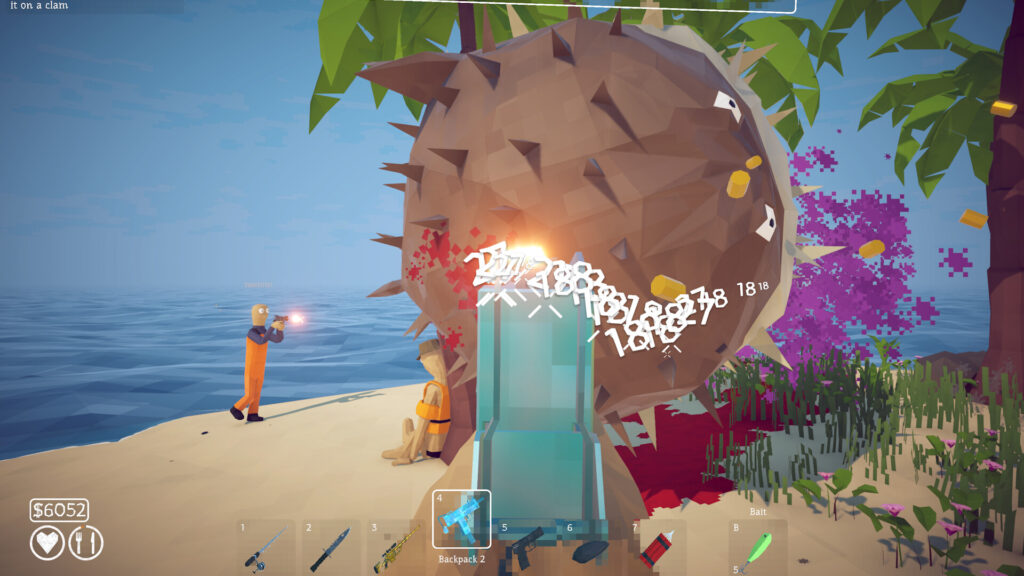
If a boss keeps wiping your group, switching to Easy mid-session is a valid option.
How to Fish Co-op Tips for Your Crew
- Explosives always hurt you. Friendly fire can be disabled, but since Patch 1.0.11 you still die from your own explosives. Keep your distance when you light something up.
- Read the radar colors. Dropped weapons show up as orange dots and dead players as turquoise dots, which makes it much easier to find a fallen friend or a lost gun.
- Turn on the comfort options. The settings include toggles for aiming and sprinting, hold-to-attack, inverted look axes and the option to turn nametags on or off.
- Clean your gear. Weapons and tools get dirty from cooking, and dipping them in water cleans them again.
- Check the Fishipedia. Since Patch 1.1.3, the Fishipedia shows which bait catches a fish once you’ve killed it at least once. Perfect for groups hunting rare drip creatures together.
- Explore the new mini islands together. The Islet Update (Patch 1.1.0, September 28, 2026) added several mini islands, a new weapon, a new mini-boss, a new bait, a new NPC and more creatures. They show up as dots on the radar, so splitting up to scout them is a fast way to find everything.
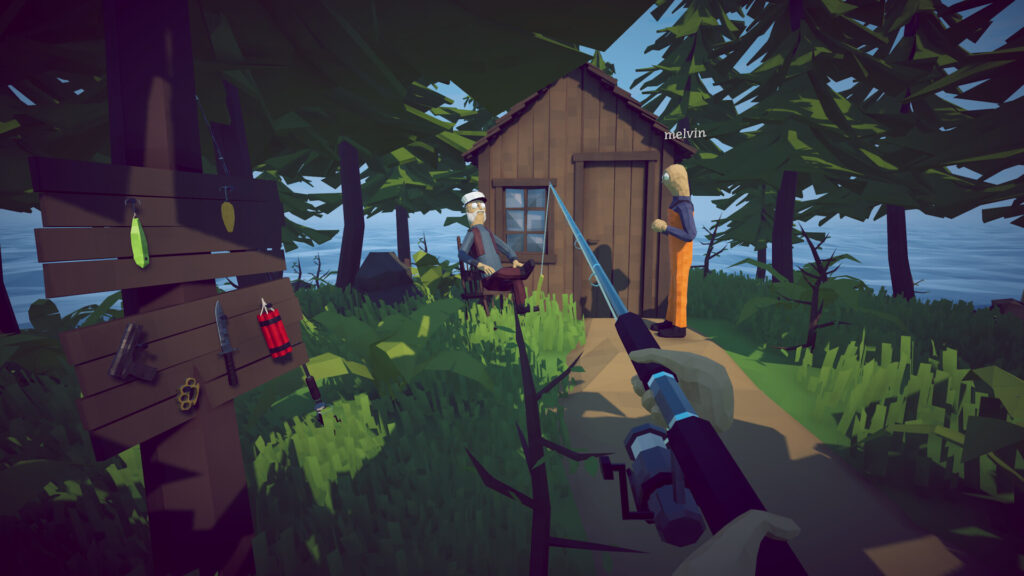
Splitting up to explore is faster, but don’t forget where your friends dropped their weapons.
Can You Play How to Fish on Steam Deck or Console?
How to Fish is currently a Windows PC game on Steam. It is fully Steam Deck Verified and can also be played through GeForce NOW, both added with Patch 1.0.11. There is no PlayStation, Xbox or Switch version at the time of writing. Controllers are fully supported on PC, including DualShock and DualSense.
How to Fish Multiplayer: Our Verdict
How to Fish multiplayer is simple once you know the rules: up to 8 players in one lobby, private lobbies for friends only, the host’s save as your shared world and a difficulty setting you can change whenever a boss gets out of hand. Grab your crew, keep an eye on those explosives and work your way home together. Looking for another co-op game with a big update? Read our guide on whether you need a new world for Valheim 1.0. This guide reflects How to Fish Patch 1.1.3 (October 2026). Dazed Games is still actively updating the game, so options and limits may change with future patches.
Keep the adventure going! Check out more Gaming Guides on Gamersuniverse.
Picture Source: Dazed Games