
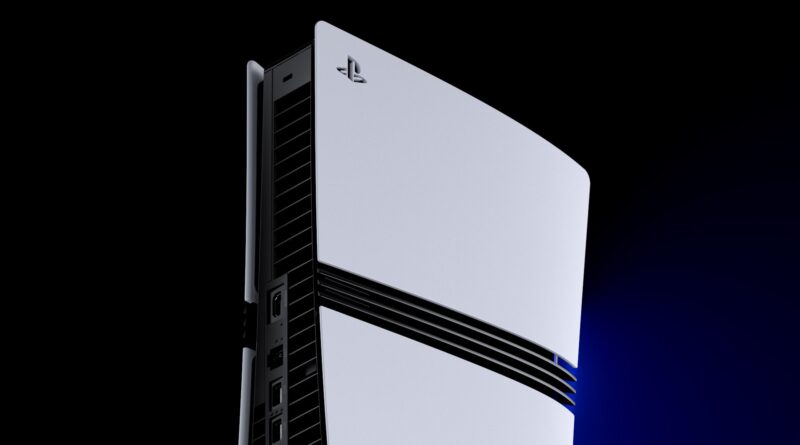
PS5’s September Update Turns On Enhanced PSSR by Default, and Finally Adds a Widget for What’s Trending
Sony has started rolling out its September system software update for PS5, and it makes one change automatic that PS5 Pro owners have been able to opt into for months. Version 26.06-14.00.00 began deploying on September 16, switching on the console’s sharper upscaling mode by default, while also adding a way to see who’s talking in a party chat, a new widget for spotting what the community is playing, and a narrower role for the “Turn Off Bluetooth” switch.
Enhanced PSSR Is Now the Default on PS5 Pro
The headline change is “Enhance PSSR Image Quality,” a setting that traces back to a February PlayStation Blog post from Mark Cerny, the PS5 Pro’s lead architect. That post detailed an upgraded PSSR upscaler built with AMD under their Project Amethyst partnership, tied to AMD’s FSR 4 work, with Resident Evil Requiem shipping as the first game to use it. The toggle itself arrived as an opt-in option in a March system update, tucked away in Settings, Screen and Video, Video Output. Now, on PS5 Pro consoles, it’s switched on automatically for every game that supports the older PSSR versions, applying the sharper upscaling without players needing to dig through a menu first. Anyone who prefers the previous look can still switch it back off in that same settings page.
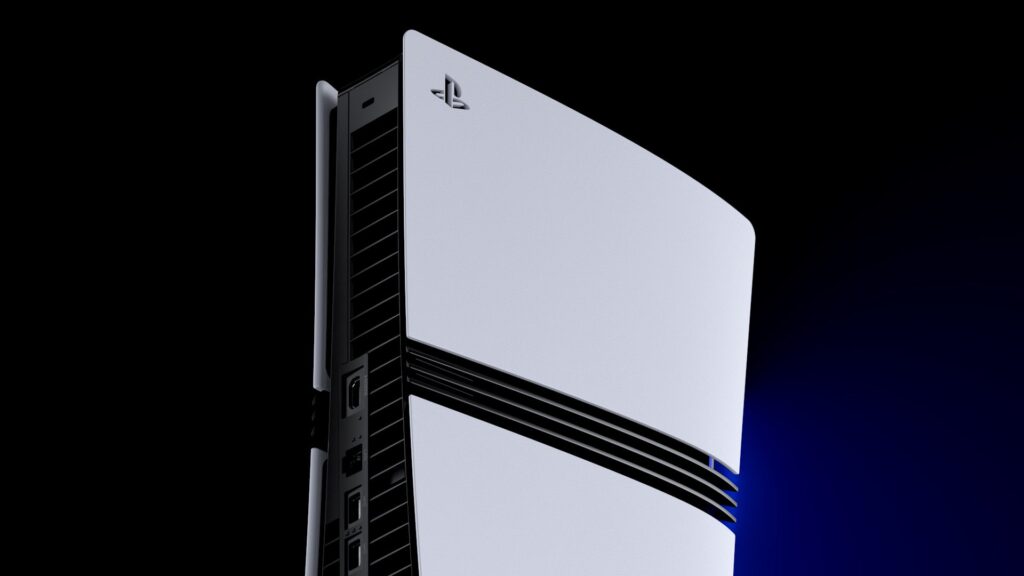
The upgraded PSSR upscaler, first shown off alongside Resident Evil Requiem, is now applied by default on PS5 Pro.
A New Widget Shows What Everyone Else Is Playing
The Welcome Hub also gets a new Community Activity widget, split into two views. Trending Now surfaces around ten multiplayer games or modes that are suddenly surging in popularity, useful for spotting a new release or a big update pulling players in. Top 10 instead lists the ten most-played games in a player’s own country or region over the past week, giving a simple regional snapshot of what’s actually being played right now rather than just what’s being talked about.
Voice Chat and Bluetooth Get Smaller Tweaks
Party voice chat picks up a small quality-of-life addition too. Opening the voice chat card in the control center and selecting “Display Who’s Speaking,” along with the “Display Names” sub-option, now shows an on-screen indicator for whoever is currently talking, with a customizable position on the screen.
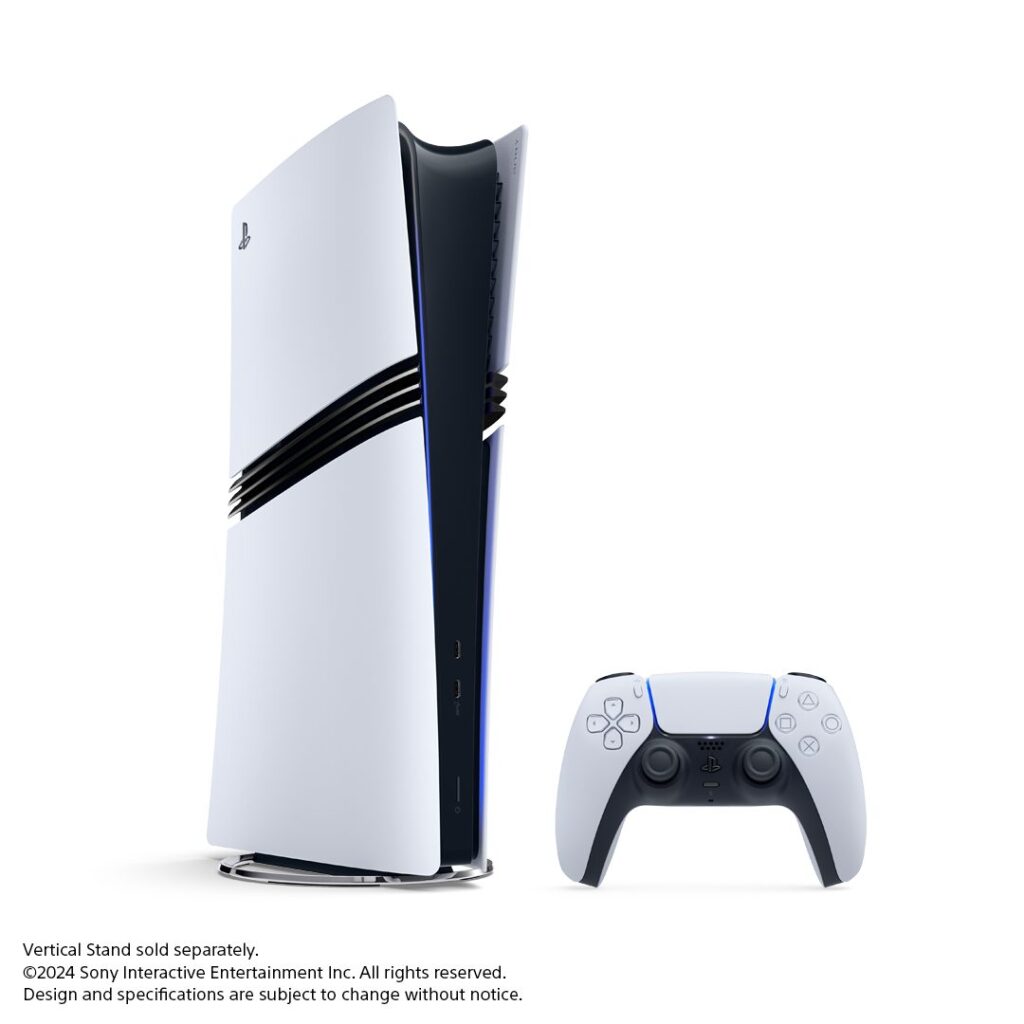
The update applies to both PS5 and PS5 Pro consoles, though the PSSR change is exclusive to PS5 Pro hardware.
Elsewhere, the update narrows what the “Turn Off Bluetooth” function is meant for. Found under Settings, Accessories, General, Advanced Settings, it’s now framed specifically as a tool for managing controller connections at esports venues. In certain regions, turning it on also means the console will no longer enter rest mode, and HDMI Device Link stops working while it’s active, a trade-off aimed squarely at tournament setups rather than everyday living rooms.
Everything in Version 26.06-14.00.00
- Enhance PSSR Image Quality is now on by default for supported games on PS5 Pro (Settings, Screen and Video, Video Output)
- A new voice chat speaker indicator, Display Who’s Speaking and Display Names, available from the control center’s voice chat card
- A Community Activity widget in the Welcome Hub, with Trending Now and Top 10 views
- Turn Off Bluetooth is now framed for esports venue controller management, with rest mode and HDMI Device Link disabled in certain regions while it’s active
- General system software performance and stability improvements
Keep the adventure going! Check out more Gaming News on Gamersuniverse.
Picture Source: PlayStation Blog