
Witcher 3 Remastered Console Mods: How to Install Mods on PS5, Xbox and Switch 2
One of the biggest additions in The Witcher 3: Wild Hunt Remastered isn’t a graphics feature at all. For the first time, you can download player-made mods on consoles. If you’ve been wondering how Witcher 3 Remastered console mods work, which mods show up on PS5, Xbox Series X|S and Nintendo Switch 2, and whether mods will cost you your Trophies, this guide covers it all. We walk you through the in-game Mods menu step by step, explain what happens to your saves and Cross Progression, and show PC players how mod.io fits next to Nexus Mods. The guide reflects the game as of Patch 5.01 (October 8, 2026, plus the PS5-only Hotfix 5.01b that followed on October 13) and CD Projekt Red’s official mod support FAQ.
What Is Cross Platform Mod Support in The Witcher 3 Remastered?
Cross Platform Mod Support is an in-game tool powered by mod.io that arrived with the Remastered update on September 29, 2026. According to CD Projekt Red’s support page, the Mods menu is available on PC, PlayStation 5, Xbox Series X|S and Nintendo Switch 2. A few key facts before you start:
- It’s free: CD Projekt Red says uploading, sharing and downloading mods through Cross Platform Mod Support costs nothing extra for owners of the game.
- Mods are made on PC: you can’t create mods on a console. Creators build them on PC, ideally with The Witcher 3 REDkit, and upload them to The Witcher 3 hub on the mod.io website.
- Not every mod reaches consoles: because of platform content guidelines and selection criteria, it may not be possible to bring every PC mod to console. Mods also have to follow CD Projekt Red’s Fan Content Guidelines.
How to Install Mods in The Witcher 3 Remastered on PS5, Xbox and Switch 2
The process is the same on every platform and only takes a few minutes. You need an internet connection and a CD PROJEKT RED account.
- Update the game to the latest version and launch it.
- Select Mods in the main menu.
- Log in with your CD PROJEKT RED account.
- Connect the account to mod.io. If you don’t have a mod.io account yet, you can create one the first time you open the Mods menu.
- Browse the catalog, open a mod you like and select Subscribe.
- Restart the game. Mods only load after a restart.
- Open the Installed section of the Mods menu and check that the mod appears on the list and its checkbox is selected.
If a mod doesn’t seem to do anything, step 7 is almost always the culprit. A mod that is installed but unticked won’t load.
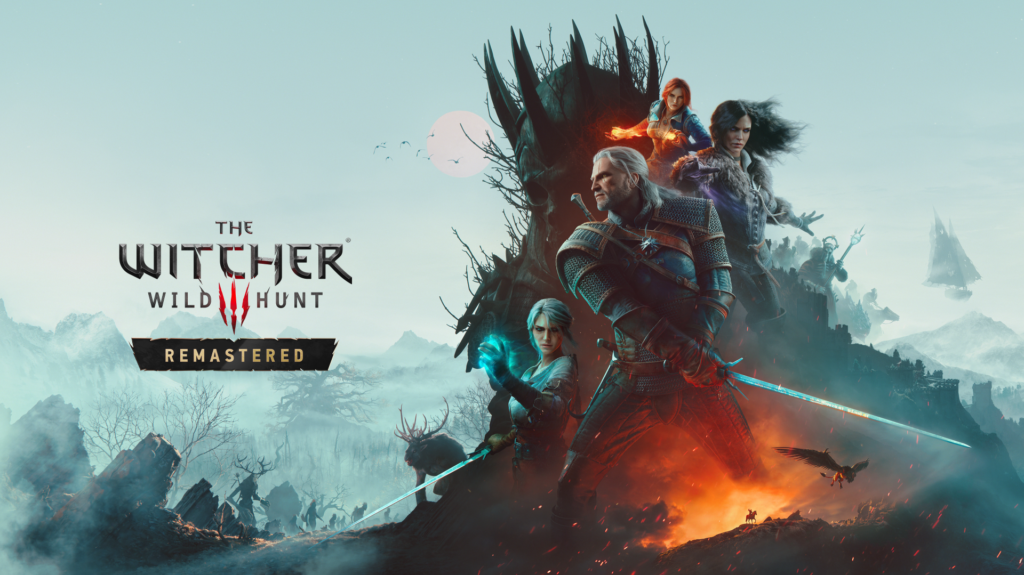
The Remastered update brought the in-game Mods menu to PC, PS5, Xbox Series X|S and Nintendo Switch 2.
Which Witcher 3 Mods Work on Consoles?
Only mods that have been approved for consoles show up there. To check whether a mod works on your console, open its details page and look for the “Available on consoles” tag. A few more rules decide what makes it to PS5 and Xbox:
- Any console mod that uses scripts must be created with REDkit, CD Projekt Red’s official modding tool.
- Texture mods, bundles and similar content don’t need REDkit and can be made with other tools.
- CD Projekt Red says mods created with REDkit have the best chance of being approved for Xbox Series X|S and PlayStation 5.
Because the console catalog depends on approvals, it grows over time. If a popular PC mod is missing on your console, it either hasn’t been submitted, hasn’t been approved yet, or can’t meet the platform rules.
Do Mods Disable Trophies and Achievements in The Witcher 3 Remastered?
On consoles, yes. CD Projekt Red confirms that Trophies and Achievements are disabled on modded save files on consoles. Any save created while mods were enabled counts as a modded save, and you can recognize it by the mod.io cog icon next to the save.
CD Projekt Red’s FAQ only mentions this restriction for consoles and doesn’t spell out the rules for Steam or GOG achievements on PC. If you’re hunting for the Platinum or a full achievement list, our advice is simple:
- Keep a separate, unmodded playthrough for Trophies and Achievements.
- Make a manual save with mods turned off before you start experimenting.
- Check the save list for the cog icon before you continue a playthrough you care about.
Mods, Saves and Cross Progression: What You Need to Know
The Witcher 3 supports Cross Progression through your CD PROJEKT RED account, which uploads your latest saves to the cloud so you can continue on another platform. Mods add a few rules to that:
- Same mods on both platforms: to move a modded save between platforms, you need the same set of mods enabled on both. If a mod is missing or incompatible on the target platform, the save may not load correctly. So if you play on PC and continue on console, stick to mods that are also available on console.
- Subscriptions sync automatically: mods you subscribe to on one platform appear on any other platform where you log in with the same CD PROJEKT RED account. Mods that aren’t supported on consoles are simply ignored there.
- Offline play: you can load a modded save offline as long as the mods it needs are already installed. You can’t install new mods while offline, so a modded save with missing mods won’t load until you reconnect.
To set up Cross Progression, open the Load Game menu, press the Cross Progression button shown in the bottom right corner and connect your CD PROJEKT RED account. You can turn it on or off at any time under Options, Gameplay, Cross Progression. New saves are uploaded automatically and marked with a cloud icon. On the second platform, connect the same CD PROJEKT RED account via My Rewards, and your uploaded saves appear in the Load Game menu.
Witcher 3 Remastered Mods on PC: mod.io vs. Nexus Mods
PC players get the same in-game Mods menu, but they aren’t limited to it. CD Projekt Red confirms that existing modding services such as Nexus Mods and Steam Workshop can still be used, and that mod.io is only required for mods on consoles. There is one big catch for longtime PC modders, though:
- According to CD Projekt Red, older mods containing xml files, script files or w3strings will not work with the update.
- CD Projekt Red says REDkit includes a way to update such mods so they work as normal, so it’s up to each mod author to release an updated version. Check a mod’s page for a version made for the Remastered update before installing it.
- Script mods for mod.io must be made in REDkit, while textures and bundles can be created with other tools.
If your old mod setup is completely broken and you’d rather keep playing with it, you can also roll back The Witcher 3 Remastered to the old version on Steam and GOG. That option doesn’t exist on consoles.
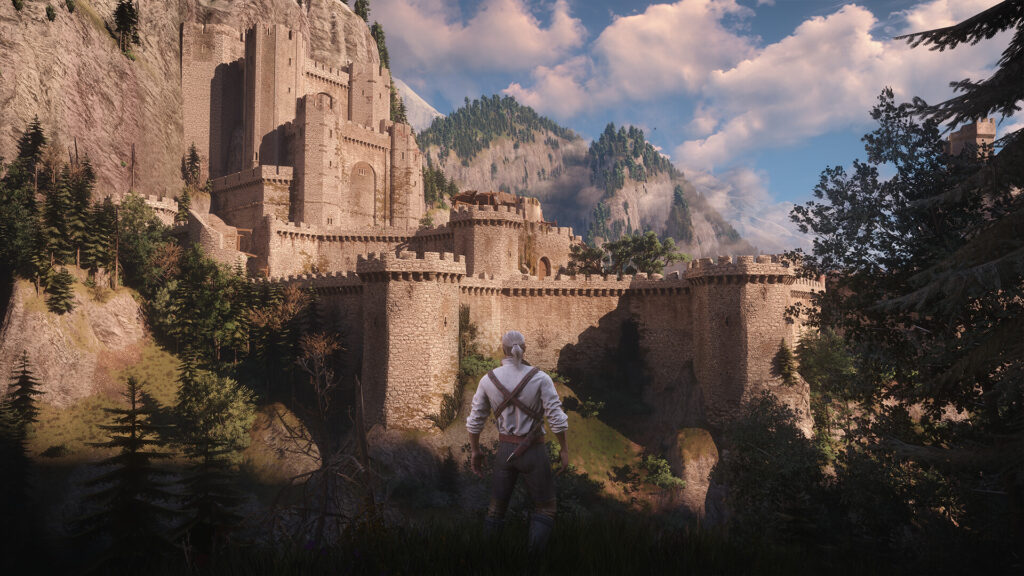
On PC, Nexus Mods still works, but older script and xml mods need an update for the Remastered version.
Tips for Modding The Witcher 3 Remastered Safely
- Start small: subscribe to one or two mods at a time and restart, so you know which one causes a problem if something breaks.
- Keep a clean save: create a manual save without mods first, especially on console where modded saves lose Trophy support.
- Back up your PC saves: copy the Documents\The Witcher 3\gamesaves folder before you change your mod setup.
- Stay up to date: CD Projekt Red is still patching the remaster, and updates can affect mods. Check our best Witcher 3 Remastered settings guide if performance changes after adding visual mods.
Final Thoughts
Witcher 3 Remastered console mods are one of the best reasons to return to the Continent on PS5, Xbox Series X|S or Switch 2. Log in with your CD PROJEKT RED account, connect mod.io, subscribe, restart and tick the checkbox in the Installed list, and you’re ready. Just remember that modded console saves don’t earn Trophies or Achievements, and that Cross Progression needs the same mods on both platforms. Want more Witcher? Dive into our Ciri lore explainer before The Witcher 4 arrives.
Keep the adventure going! Check out more Gaming Guides on Gamersuniverse.
Picture Source: CD PROJEKT RED, CD PROJEKT RED (Steam)