The Best Witcher 3 Remastered Settings for the Best Experience on PC, PS5, Xbox and Switch 2
The Witcher 3: Wild Hunt Remastered has been out for less than a week, and it’s already one of the best looking ways to experience Geralt’s last adventure. But between path tracing, three different upscalers, frame generation, an Ultra+ preset and a pile of post-processing toggles, the settings menu can make or break the experience. Crank the wrong slider and you’re stuck at a stuttery 40fps, switch the right one off and the game suddenly looks cleaner and runs smoother. This guide walks you through the best Witcher 3 Remastered settings on PC, PS5, Xbox Series X|S and Nintendo Switch 2, so you can spend less time in menus and more time hunting monsters.
Witcher 3 Remastered PC System Requirements
Before touching a single setting, it’s worth knowing where your hardware lands. CD Projekt Red’s official requirements span six tiers, from basic rasterized rendering all the way up to full path tracing:
- Minimum (Low preset, 1080p, 30fps): GeForce GTX 1660 6GB, Radeon RX 5500 XT 8GB or Intel Arc A580, Core i5-8400 or Ryzen 5 2600, 12GB RAM.
- Recommended (High preset, 1080p, 60fps): GeForce RTX 2060 Super, Radeon RX 6600 XT or Intel Arc B580, Core i7-8700K or Ryzen 5 3600X, 16GB RAM.
- High-end (Ultra preset, 1440p, 60fps): GeForce RTX 3070 Ti, Radeon RX 6800 XT or Intel Arc B580 with XeSS, Core i7-13700K or Ryzen 7 7700X, 24GB RAM.
- Ray Tracing Minimum (1080p, 30fps, with upscaling): GeForce RTX 2060 Super, Radeon RX 6600 XT or Intel Arc B580, Core i7-11700K or Ryzen 7 5800X, 16GB RAM.
- Ray Tracing Ultra (1440p, 60fps, with upscaling): GeForce RTX 4080 or Radeon RX 9070 XT, Core i7-13700K or Ryzen 7 7700X, 24GB RAM.
- Path Tracing (4K, 60fps, DLSS plus Frame Generation): GeForce RTX 5080, Core i9-13900K or Ryzen 7 9800X3D, 24GB RAM.
An SSD is mandatory on every tier. If you’re thinking about an upgrade specifically for the remaster, our rundown of the best graphics cards in 2026 covers every budget.
Pick the Right Upscaler First
The single most important choice in the menu isn’t a graphics preset, it’s your upscaler. The remaster supports NVIDIA DLSS 4.5, AMD FSR 4 and Intel XeSS 2, and each one is the best pick on its own hardware:
- GeForce RTX: use DLSS. Quality mode at 1080p, Quality or Balanced at 1440p and Performance at 4K is the sweet spot. If you have frames to spare at 1080p or 1440p, switch to DLAA for the sharpest image the game can produce.
- Radeon: use FSR 4 on supported cards, with the same mode logic as above.
- Intel Arc: use XeSS 2, especially since CD Projekt Red’s own high-end tier for the Arc B580 assumes XeSS is switched on.
Frame Generation is a great extra, but only turn it on once you already hit around 60fps without it. It smooths out motion, it doesn’t fix a low base frame rate, and input will feel sluggish if you start too low. On GeForce RTX 50 Series cards, DLSS 4.5’s Dynamic Multi Frame Generation can go up to 6X, which is how NVIDIA’s own numbers reach several hundred fps with path tracing enabled.
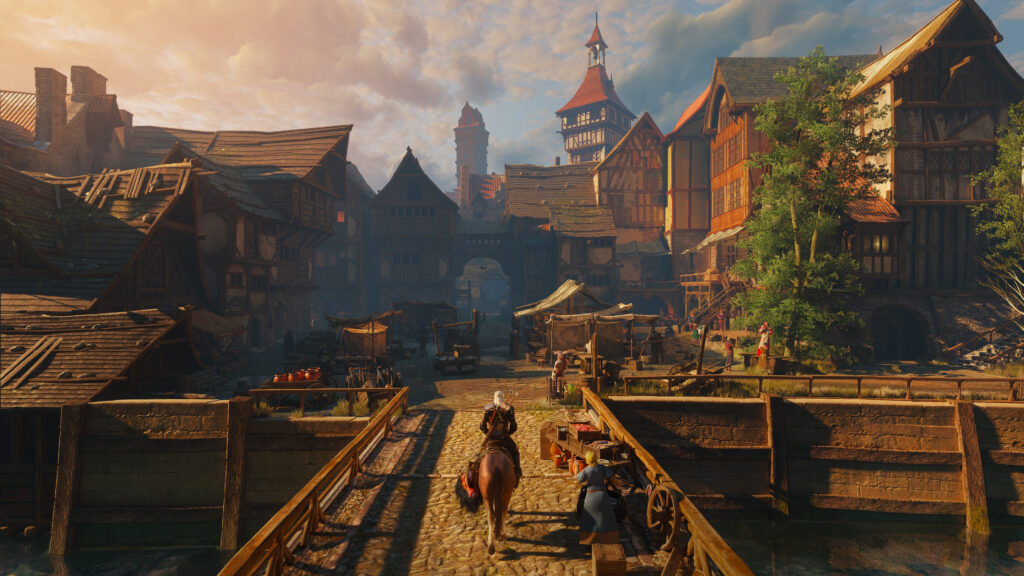
The right upscaler setting is the difference between a soft image and a crisp one in The Witcher 3 Remastered.
Ray Tracing vs. Path Tracing: Which One Is Worth It?
Path tracing is the headline feature of the PC version, unifying all lighting and rendering into one system. Enable it together with the Ultra+ preset and DLSS Ray Reconstruction switches on automatically on GeForce RTX cards, which you’ll want for a clean, noise-free image. On RTX 50 Series GPUs, the remaster also renders Geralt’s hair with path-traced strands.
That said, path tracing isn’t the automatic best choice right now. Early tests have shown it can over-expose characters and give some scenes an odd color tint, so it often doesn’t look better than regular ray tracing, and it is by far the heaviest mode in the game. Our recommendation: unless you own an RTX 5080 or better, play on the Ray Tracing Ultra preset with your upscaler on, and treat path tracing as something to try once CD Projekt Red has had more time to tune it with future patches. One big caveat: graphics cards with only 8GB of VRAM already struggle with Ray Tracing Ultra at 1440p, so on those cards drop to 1080p, use a lower ray tracing preset, or skip ray tracing entirely for a higher frame rate.
The Best Graphics Settings for High FPS and Great Visuals
If you’d rather fine-tune than rely on a preset, these are the settings that matter most. Start from the High preset, then adjust:
- Grass Density and Foliage Visibility Range: just like in the original, these two are among the biggest frame rate killers, and with the remaster’s denser foliage they matter more than ever. High instead of Ultra saves a lot of performance with very little visual loss.
- Texture Quality: keep it high if your graphics card has enough VRAM, textures usually cost little performance as long as you don’t run out of memory. On 8GB cards, especially with ray tracing on, lower it a step if you notice stutters.
- Shadow Quality: High is the best balance, Ultra mostly sharpens distant shadows.
- Number of Background Characters: this one leans on your CPU. Lower it a step in crowded cities like Novigrad if your frame rate dips there.
- NVIDIA HairWorks: off. CD Projekt Red itself has identified a HairWorks issue that can significantly hurt performance and advises turning it off until a patch addresses it.
- Bloom: off. Many players feel the remaster’s bloom makes the image look washed out, and switching it off is the quickest way to get a cleaner, more natural picture.
- Motion Blur, Chromatic Aberration and Camera Lens Effects: off for a cleaner image. Leave Depth of Field on, it helps cutscenes look cinematic, and set Vignetting to taste.
- Sharpening: low or off when using DLSS 4.5 or FSR 4, both already deliver a sharp image on their own.
- VSync and Frame Rate Limit: if your monitor supports G-Sync or FreeSync, turn VSync off and cap the frame rate a few frames below your refresh rate for the smoothest result.
The good news for older hardware: independent benchmarks show the remaster’s Medium preset runs noticeably faster than the original game did at the same settings, so even modest PCs get a smoother ride than before. CD Projekt Red has also said the remaster should run well on Steam Deck. There, our suggestion is to start with the Low preset and FSR switched on, then raise settings from there.
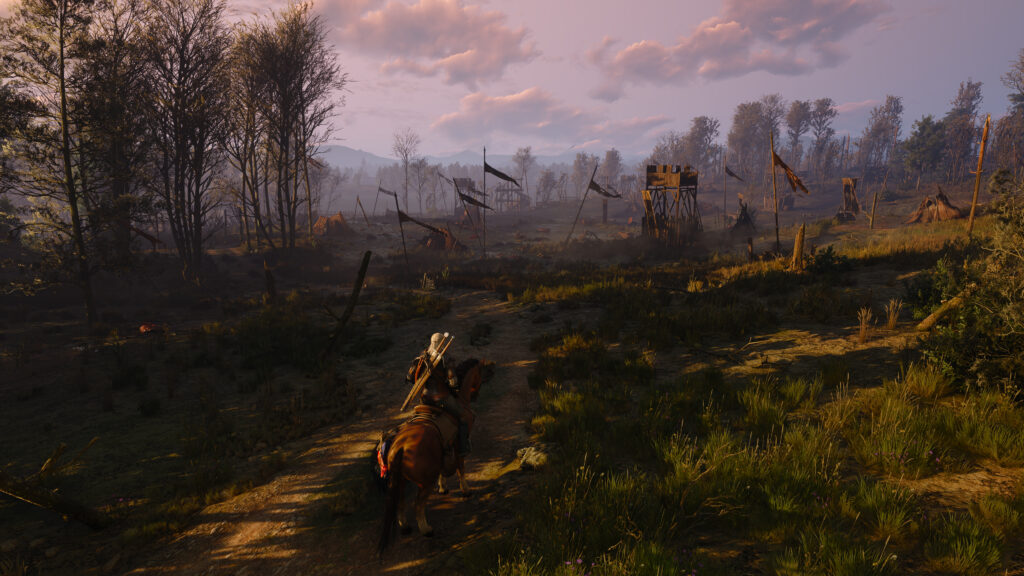
Grass Density and Foliage Visibility Range have always been known as two of The Witcher 3’s most demanding settings in open landscapes like this one.
Best Settings on PS5, PS5 Pro and Xbox Series X|S
Console players have fewer knobs to turn, but the mode choice still matters a lot:
- PS5 and Xbox Series X: pick Performance Mode for 60fps. The Ray Tracing Mode looks nicer in still shots, but its 30fps target makes combat feel noticeably heavier.
- PS5 Pro: you get the best of both worlds. The Ray Tracing Mode runs at a locked 60fps, while Performance Mode removes the frame cap and should settle around 90fps on a VRR capable TV, both powered by Sony’s PSSR upscaler. With a 120Hz VRR display, Performance Mode is the way to go, without one, Ray Tracing Mode is the better pick.
- Xbox Series S: there’s no ray tracing mode here. Performance Mode targets 60fps but tends to land around 50fps with a softer image, while Quality Mode holds 30fps. Pick Performance if you have a VRR display, otherwise Quality is the more stable option.
On every console, turning off Motion Blur and Bloom in the post-processing menu gives you the same cleaner image as on PC.
Best Settings on Nintendo Switch 2
CD Projekt Red targets 1080p in docked mode and 720p in handheld on Switch 2, with frame rates of around 30 to 40fps. Handheld mode makes use of VRR, while docked mode uses 120Hz output, so if your TV supports 120Hz, make sure it’s enabled to get the most out of docked play. Expect the handheld image to look noticeably softer than docked. The Switch 2 version also supports gyro aiming and a mouse mode, both worth trying for the crossbow and menus.
Our Quick Verdict: The Best Witcher 3 Remastered Settings
For most PC players, the best experience comes from the Ray Tracing Ultra or High preset, your vendor’s upscaler on Quality or Balanced, Grass Density and Foliage Visibility Range on High, HairWorks off until CD Projekt Red’s patch arrives, and Bloom disabled. If your card only has 8GB of VRAM, go easy on ray tracing. Owners of an RTX 5080 or 5090 can go all in with path tracing and Multi Frame Generation, and console players should simply choose the 60fps option, or the PS5 Pro’s uncapped Performance Mode on a VRR display. The studio is still patching the remaster, so some of these recommendations may shift as updates roll out. If you’re just jumping in, you can also catch up on how the free upgrade was reworked in our earlier coverage.
Keep the adventure going! Check out more Gaming Guides on Gamersuniverse.
Picture Source: NVIDIA